
Click to download now, finish the installation quickly, and directly unlock the all-round experience
Screenshots


Click to download now, finish the installation quickly, and directly unlock the all-round experience
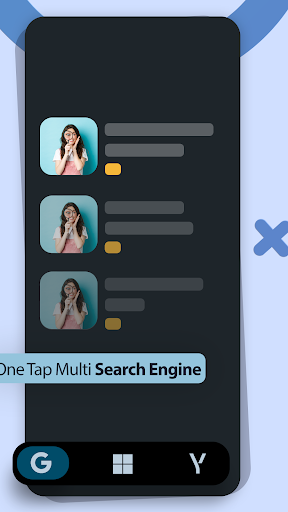
Reverse Image Search - Multi helps you look for information related to a photo by submitting the image instead of typing keywords. It suits anyone who has a picture but not the right words: you might want to check where a photo came from, find similar images, or look for a product shown in a picture.
It can also be useful when a screenshot, meme or profile picture leaves you with questions. Results depend on what the search service can match, so it is a starting point for checking an image rather than proof of its source or context.
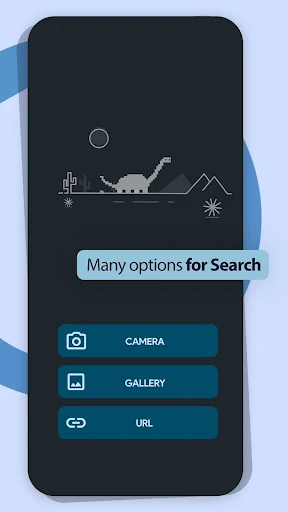
You can choose an image from your gallery or take a picture with the camera. Before searching, the app includes a basic image editor, which can help when you want to adjust the picture you are using. A SafeSearch filter is available in settings for searches where you want that control.
This makes the app practical for occasional lookups away from a desk: for example, checking a place you photographed while travelling or searching for similar items after taking a quick snap. It is less about keeping a running collection of images and more about turning one picture into a search.
The app supports sharing images through services such as email, messages and social platforms. It can also save a screenshot to an album, which is handy if you want to keep a result for later or send it to someone else. These options fit naturally into a quick search, without requiring you to describe the image in a message first.
THINK FREE’s Tools app has a 4.16 rating from 21,540 reviews and more than 1,000,000 installs. Those figures suggest it has found an audience among people who want image-based lookup as a simple, occasional tool. If you usually know what to type, a regular web search may be quicker; if the image itself is the clue, this app offers another route.