Click to download now, finish the installation quickly, and directly unlock the all-round experience
Screenshots
Click to download now, finish the installation quickly, and directly unlock the all-round experience
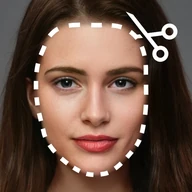
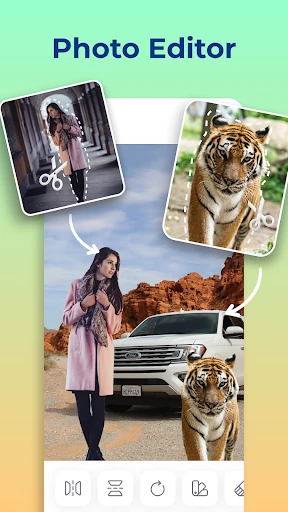
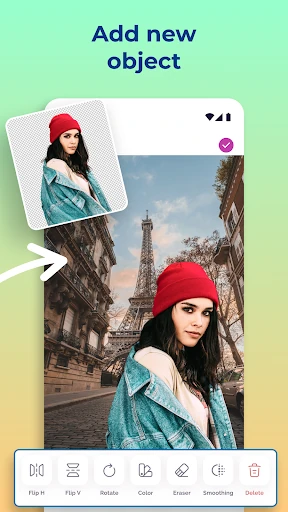
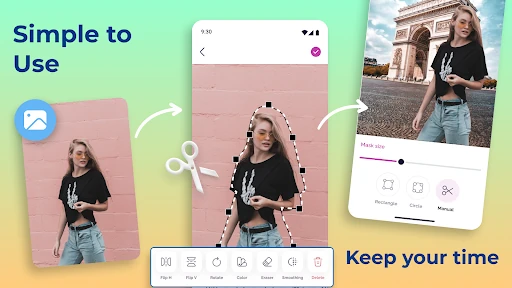
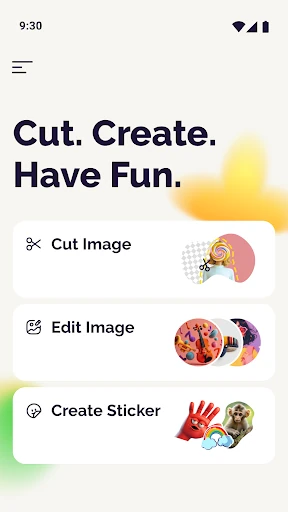
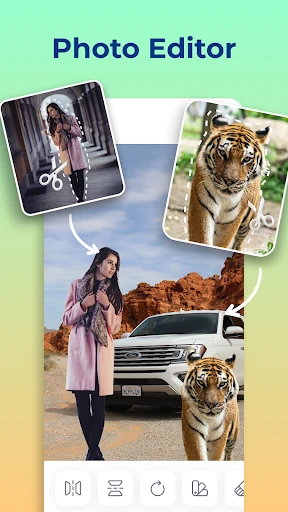
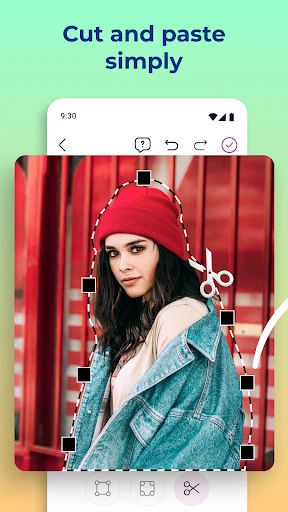
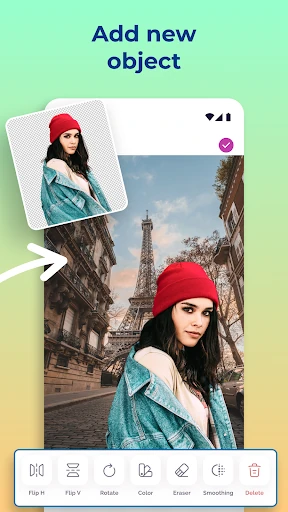
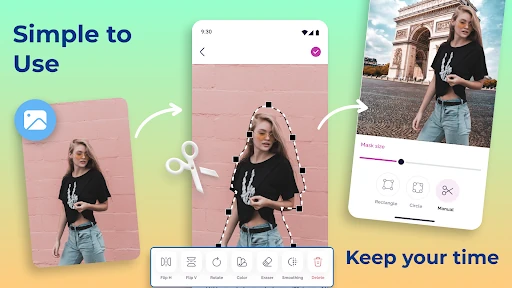
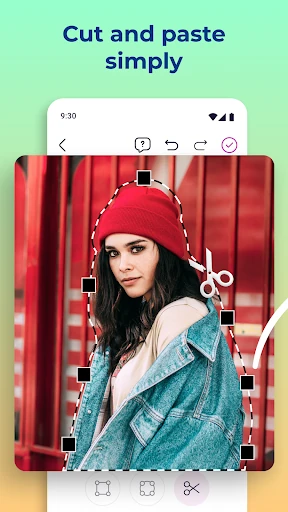
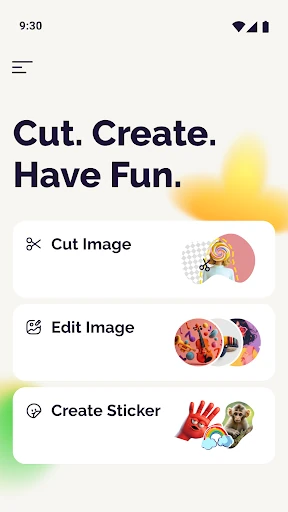
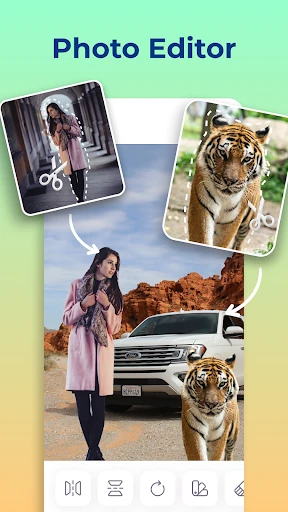
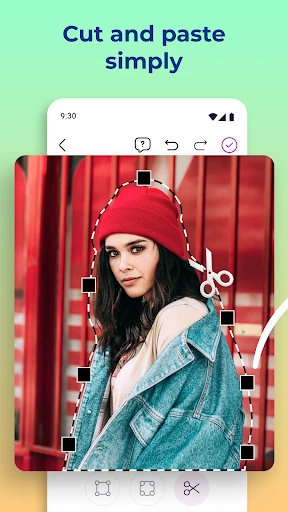
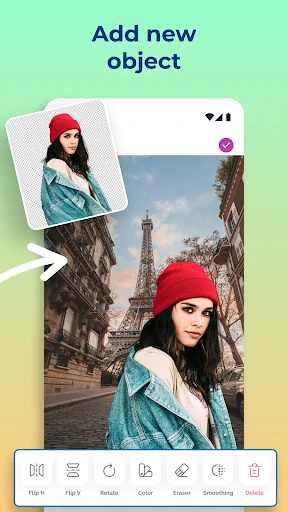
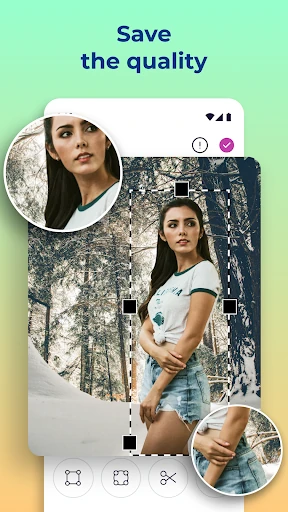
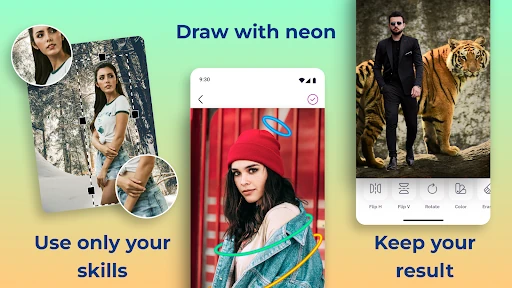
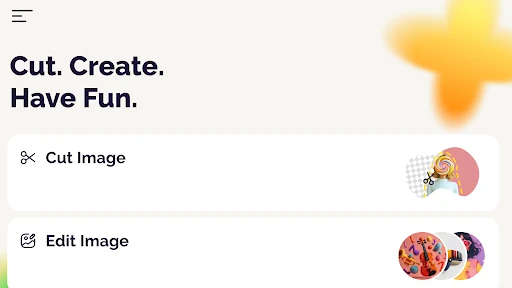
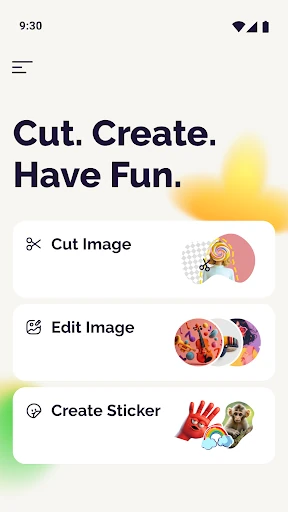
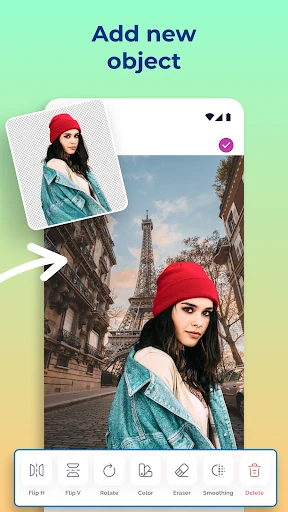
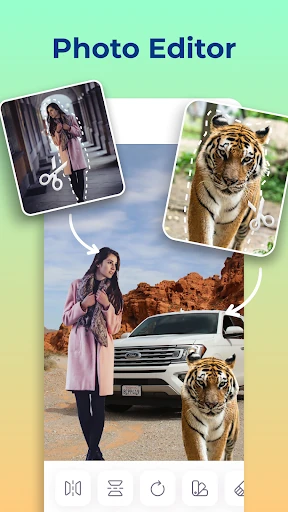
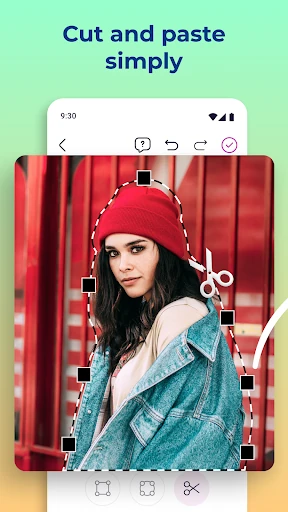
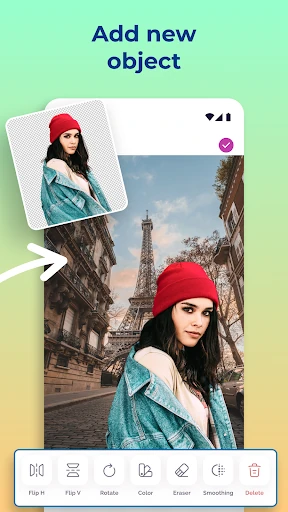
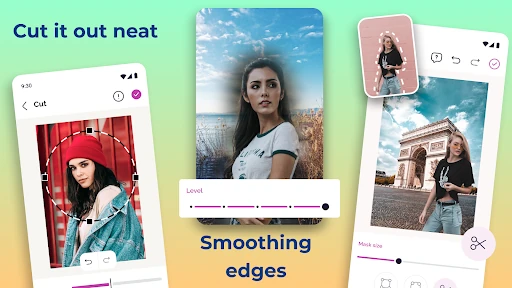
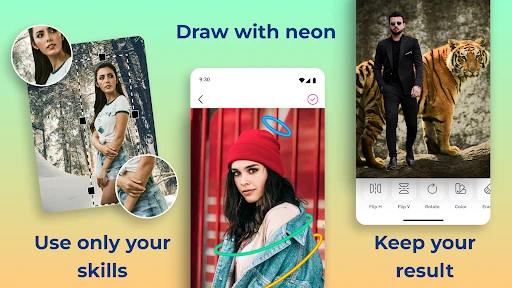
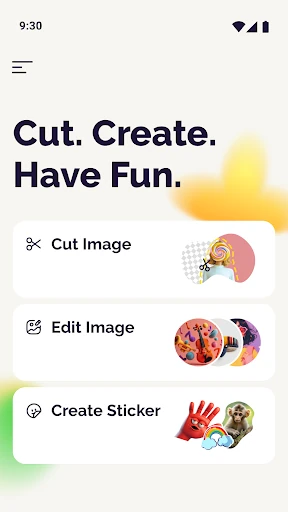
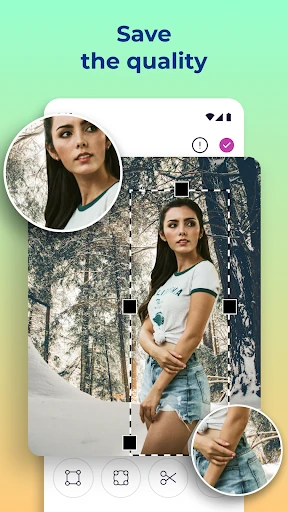
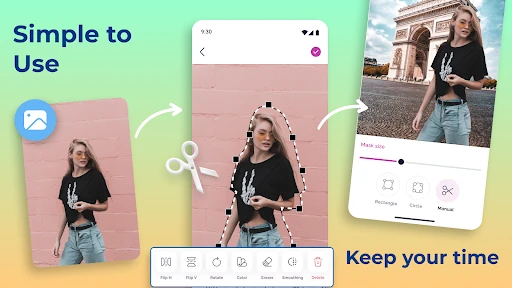
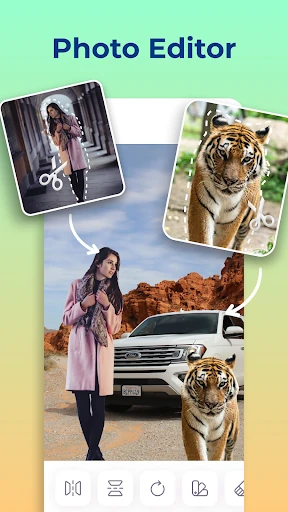
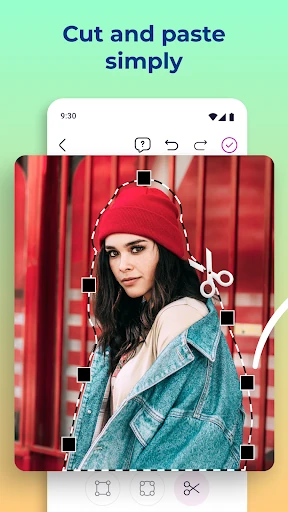
Cut and Paste Photos lets you isolate a person or object in one photo and place it into another. You can also combine several cutouts on a single image or make a face swap. It suits people who want to create a playful edit from photos they already have, without opening a desktop editor.
This is a focused tool for changing what appears in a photo, rather than a general-purpose camera or photo library. It could fit a spare moment at home when you want to make a joke image, combine people from separate shots, or try a different background. The basic idea is simple: choose a subject, separate it from its surroundings, then place it in a new scene.
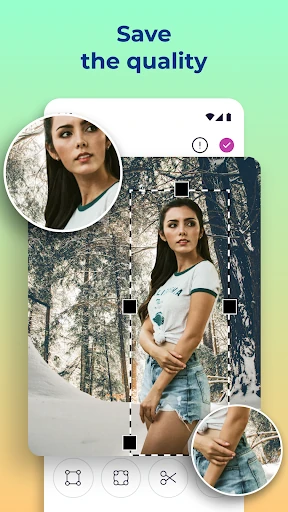
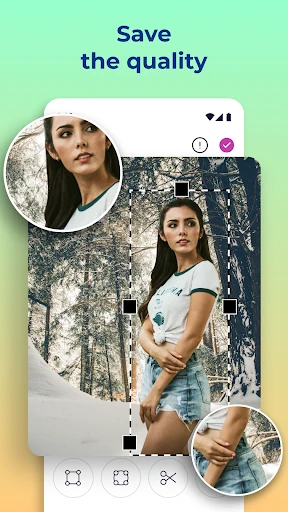
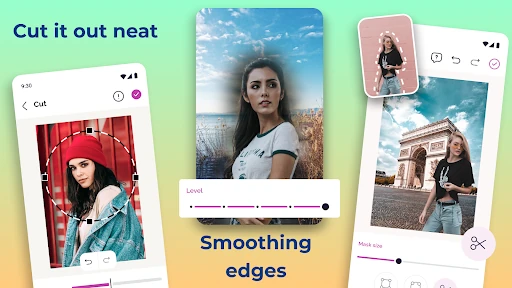
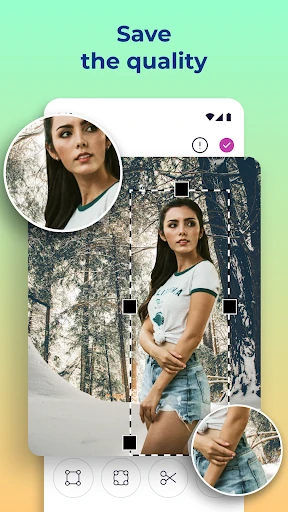
Cutting a subject out is only part of making a composite convincing. Hair, small edges and busy backgrounds can be tricky, and a pasted subject may not match the lighting or angle of its new setting. This app is most useful when a fun or clear edit matters more than a seamless, carefully colour-matched result. It is less suited to someone looking for a full set of advanced photo adjustments.
ZipoApps makes Cut and Paste Photos, listed in Photography. Its 4.64 rating across 354,193 reviews and 10,000,000+ installs suggest that many people have tried it. Those figures can help with a first look, but the best fit depends on whether you often want to lift a subject from one image and reuse it in another.